Skip to content
Fatoora Kit

How it works

Create your workspace, choose your invoice mode and send your first invoice.

From sign-up to your first invoice.

Get started in minutes. Saudi modes include a few additional onboarding steps.

  1. 1. Create your account

    Sign up and add your company details.

  2. 2. Choose your mode

    Start with Normal Invoice, or pick Saudi ZATCA Phase 1 or Phase 2.

  3. 3. Start invoicing

    Create and send your first invoice in a few clicks.

Saudi ZATCA modes require additional onboarding, such as business and ZATCA integration details.

Invoice modes

One platform. Three invoicing modes.

Normal Invoice is where most teams start. Add a Saudi ZATCA mode only if you need it.

Start here
01

Global starting point

Normal Invoice

Everyday invoicing for international businesses

Create, send and track professional invoices for customers anywhere. The default mode for most teams.

  • Customers and currencies of your choice
  • Credit and debit notes
  • Arabic and English layouts
02

Saudi specialization

Saudi ZATCA Phase 1

Generation & storage

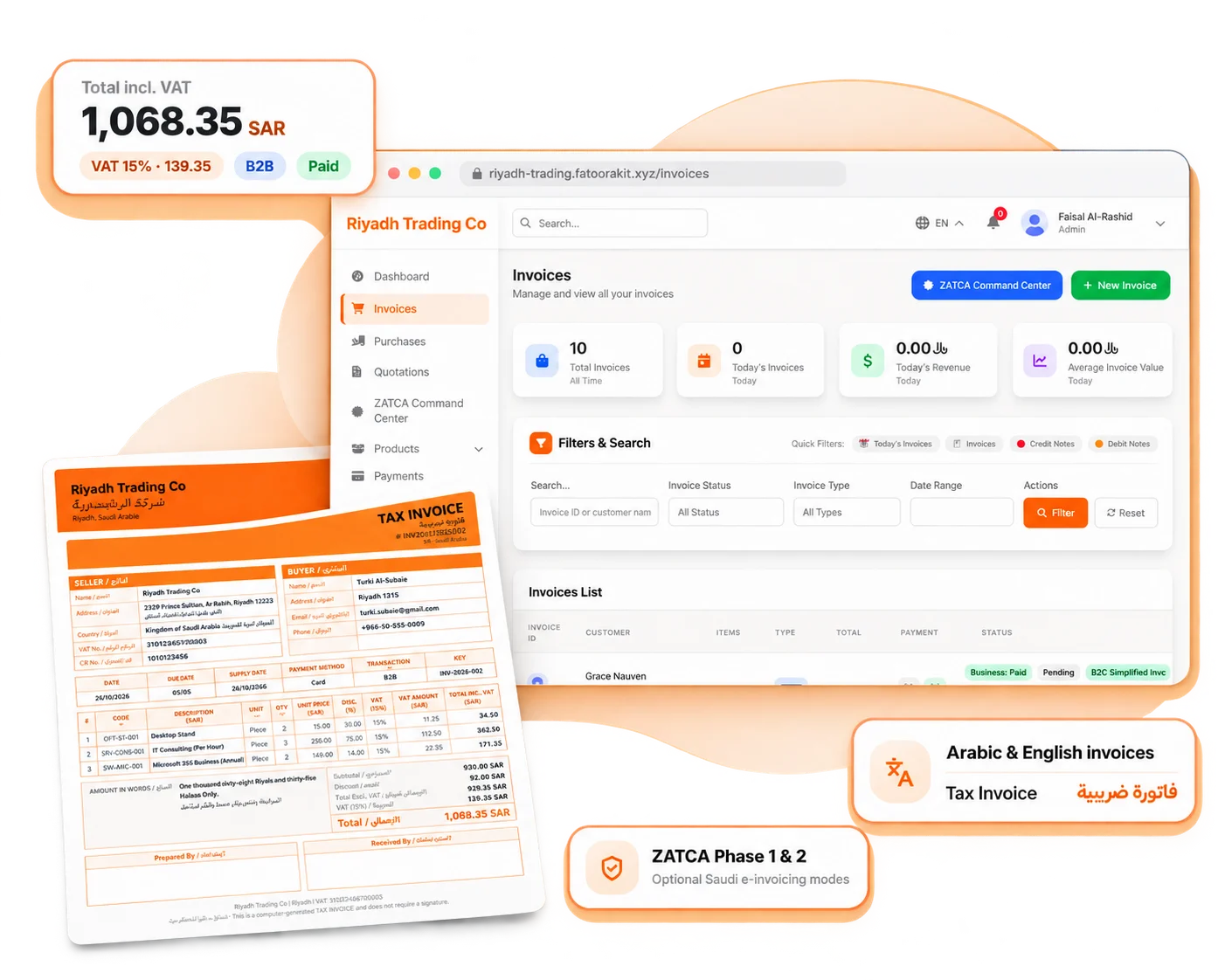
Electronic invoice generation and storage with QR codes, for businesses in Saudi Arabia.

  • Simplified and standard tax invoices
  • QR code on every invoice
  • Secure invoice archive
03

Saudi specialization

Saudi ZATCA Phase 2

Clearance & reporting integration

Integration for ZATCA clearance and reporting, with submission status tracked per invoice.

  • Submit to ZATCA from the platform
  • Clearance status per invoice
  • Additional onboarding required

Your next invoice starts here.

Create professional invoices for your business, wherever you operate. Free for your first year.